
In the boutique and custom fashion industry, a deadline is not just a date; it is a promise. A late delivery for a wedding blouse or a festival outfit can permanently damage a customer relationship. While skilled craftsmanship is essential, the ability to deliver on time is what builds trust and retention. The root cause of most delays is not a lack of speed, but a lack of organization. Implementing specialized tailoring software helps boutique owners transition from reactive fire-fighting to proactive timeline management, ensuring that every order is tracked, monitored, and delivered on schedule.
The Hidden Costs of Late Deliveries in the Tailoring Business
When an order is delayed, the immediate concern is the angry customer. However, the financial and operational damage runs much deeper.
- Loss of Repeat Business: A customer who receives their outfit late for an event is unlikely to return, regardless of how good the fit is.
- Increased Overtime Costs: To compensate for lost time, owners often pay karigars (artisans) overtime or rush fees to complete the work last minute.
- Operational Chaos: Rushing one order often disrupts the schedule for five others, creating a domino effect of delays.
- Reputation Damage: In the age of online reviews, one complaint about "unreliable delivery" can deter potential high-value clients.
Using tailoring software minimizes these risks by providing early warnings, allowing you to address delays before they become critical issues.
How Digital Timelines Differ from Manual Diaries

The traditional method of managing timelines involves writing a due date in a physical register or on a bill book. While this records the date, it does not actively manage the process.
| Feature | Manual Diary / Notebook | Tailoring Software (Digital) |
|---|---|---|
| Visibility | Static; you must flip pages to find due dates. | Dynamic; dashboard highlights upcoming deadlines. |
| Updates | Scribbles and cross-outs create confusion. | Real-time status updates (e.g., "In Stitching"). |
| Access | Only available to the person holding the book. | Accessible to the entire team via mobile app. |
| Alerts | None; relies on memory. | Visual indicators for pending and overdue orders. |
| Accountability | Hard to track who caused the delay. | Logs exactly when each production stage started. |
Step 1: Setting Precise Delivery Dates at Order Entry
The journey to on-time delivery begins the moment the customer walks in. Tailoring software enforces a structured booking process that anchors the entire production timeline.
During order creation, the system requires a specific "Delivery Date." Unlike a manual slip where a date might be vague (e.g., "next Tuesday"), the software locks this date into the digital workflow.
- Express Delivery Tagging: If a customer needs an order urgently, the software allows you to tag it as "Express" and even add rush charges automatically. This instantly signals the production team to prioritize this item.
- Trial vs. Final Delivery: You can manage expectations by distinguishing between the "Trial Date" and the "Final Delivery Date," ensuring the customer knows exactly when to come in.
Step 2: Tracking "At-Risk" Orders via the Dashboard
A major advantage of tailoring software like GrowStitch is the ability to see the future. The dashboard serves as a command center, categorized not just by revenue, but by timeline urgency.
Instead of waiting for a customer to call and ask about their dress, the dashboard presents a categorized view:
- Due Today: Immediate priority tasks that must be finished and packed.
- Due This Week: Orders that should be in the cutting or stitching phase.
- Overdue: Red-flagged orders that require immediate intervention.
By reviewing this dashboard every morning, a store manager can identify "at-risk" orders those that are due soon but haven't started production and expedite them immediately.
Step 3: Removing Bottlenecks by Customizing Production Stages
Delays rarely happen at the end; they happen in the middle. A fabric might sit on the cutting table for three days, or a stitched garment might wait two days for hemming. Tailoring software exposes these invisible bottlenecks through "Production Insight."
This feature allows you to break the lifecycle of a garment into customizable stages:
- Cutting: Has the fabric been cut?
- Stitching: Is it currently on the machine?
- Finishing/Hemming: Is it undergoing final touches?
- Quality Check (QC): Is it ready for the customer?
If you notice that many orders are stuck in the "Stitching" stage but the "Cutting" stage is clear, you know you need to allocate more tailors to stitching or address a workflow issue in that specific department.
Using Digital Job Sheets to Align Team Deadlines
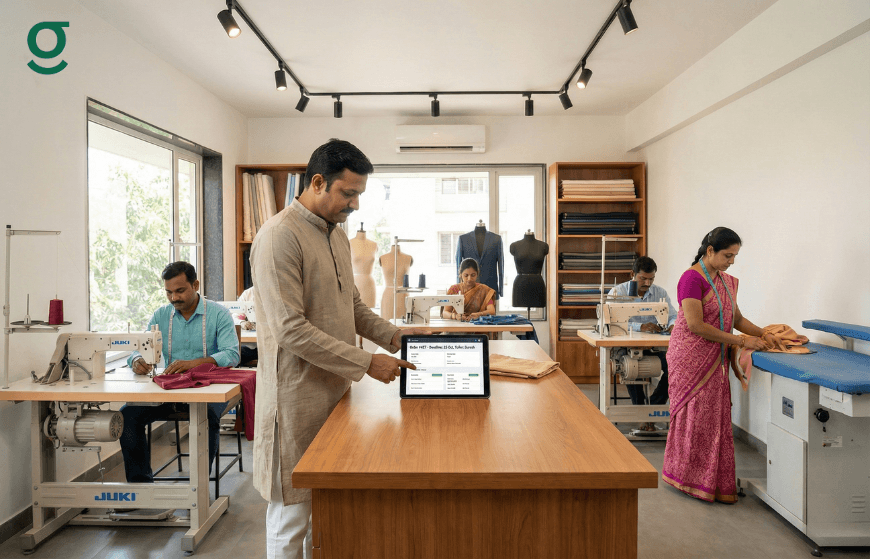
Communication gaps between the front desk and the workshop are a primary cause of delays. A tailoring app bridges this gap using digital Job Sheets.
A Job Sheet is a comprehensive document generated by the software that travels with the fabric. It contains:
- Visual Deadline: The due date is clearly printed, often in bold, ensuring the karigar knows the target.
- Reference Images: Photos of the design prevent time-wasting questions or errors that require rework.
- Notes: Special instructions recorded by the designer are accessible to the tailor, reducing the back-and-forth clarifications that eat up valuable production time.
By aligning the entire team from the master cutter to the finishing staff around a single digital source of truth, everyone works toward the same deadline.
Conclusion
Eliminating late deliveries is not about working faster; it is about working smarter. By adopting tailoring software, boutique owners gain the visibility needed to manage complex timelines effortlessly. From setting clear expectations at order entry to tracking progress through every production stage, digital tools ensure that deadlines are met consistently. This reliability not only protects your profit margins but also builds a brand reputation for professionalism and punctuality.
And if you move now, the first 1,000 users get exclusive early-bird access, download the app today and stay ahead while others struggle to catch up
Frequently Asked Questions
1. Can tailoring software alert me about upcoming deadlines?
Yes. The dashboard typically highlights orders that are due today or in the next few days, allowing you to prioritize work effectively without flipping through a diary.
2. How does the software handle express or urgent orders?
You can mark an order as "Express" during the order entry. This flags the order for priority attention and can also calculate and add express delivery charges to the bill automatically.
3. Does the software help if I have a remote workshop?
Absolutely. Since tailoring software is cloud-based, you can manage orders from your boutique while your workshop team views the job sheets and updates status from a different location via their app.
4. Can I customize the production stages for my specific workflow?
Yes. Platforms like GrowStitch allow you to define your own stages (e.g., Embroidery, Dyeing, Stitching) so the timeline tracking matches exactly how your business operates.
5. What happens if a delivery date needs to be changed?
You can update the delivery date in the order details. The system effectively updates the status for the entire team, ensuring everyone is aware of the new schedule.
6. Does the software generate a physical record for the tailors?
Yes. You can generate and print a "Job Sheet" that contains the measurements, design details, and the delivery deadline. This can be attached to the fabric bag for easy reference on the shop floor.