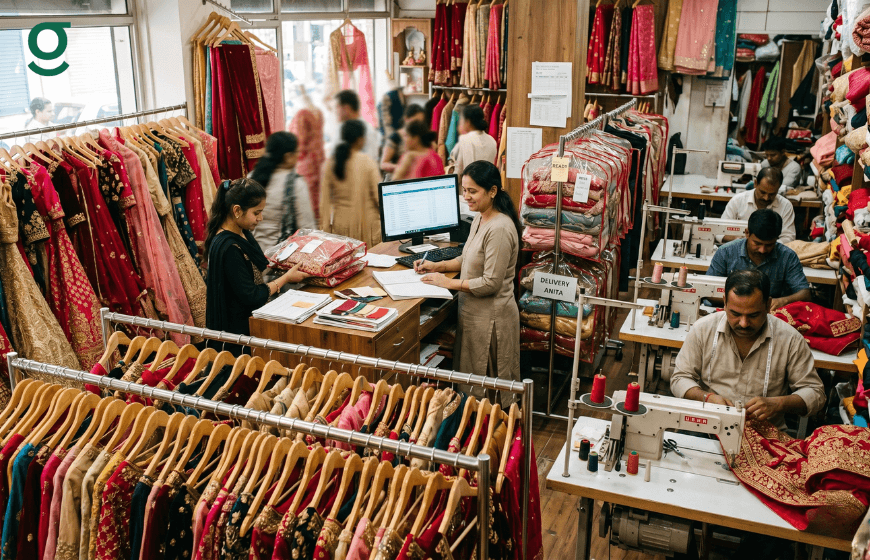
Wedding season is the highest-stakes operating period for any Indian boutique. Between October and February, and again from April to June, the order volume spikes, the garments become more complex, the delivery deadlines become non-negotiable and the cost of any operational failure, a missed deadline, a wrong measurement, an uncaptured add-on, is felt far more acutely than at any other time of year.
Tailoring software is the operational infrastructure that separates boutiques that scale through wedding season from boutiques that merely survive it. GrowStitch tailoring software is built for exactly this context: high-volume, high-stakes, multi-garment orders managed across a Masterji-led production team with specific delivery windows that cannot slip. For boutiques evaluating how to prepare digitally for the season, this overview of what tailoring software does establishes the platform baseline.

What Wedding Season Demands From a Boutique That Generic Systems Cannot Deliver
Wedding season introduces four operational demands that generic systems handle poorly. First, the orders are more complex: a bridal lehenga set involves multiple components, custom embroidery specifications, premium add-ons and often a tight deadline tied to an auspicious date. Second, the stakes are higher: a bride's outfit delayed by a week is a reputation-ending event. Third, the orders are larger in value: a bridal order at 25,000 to 80,000 rupees requires payment management that a handwritten bill book cannot reliably support. Fourth, the volume is higher: the same boutique managing 30 orders per month in off-season may be managing 80 during wedding season.
GrowStitch tailoring software is designed to handle all four demands simultaneously. The same platform that manages a routine 2,000 rupee blouse order manages a 60,000 rupee bridal set with equal reliability. How tailoring software handles high-volume festive and wedding season orders covers the production management dimension in detail.
How to Set Up GrowStitch Tailoring Software for Wedding Season
Step 1: Configure bridal production stages
Standard production stages in GrowStitch tailoring software cover Cutting, Stitching, Hemming, Finishing, Quality Check and Ready for Delivery. For bridal orders, you can add custom stages that reflect the specific production reality: Inner Frame or Petticoat First, Blouse Cutting, Lehenga Panel Stitching, Embroidery Out (for outsourced work), Embroidery Return and Final Assembly. These custom stages give the Masterji and the owner a precise view of where every bridal garment is in its specific production lifecycle.
Step 2: Create a bridal order with full specification capture
When a bride books her outfit, the GrowStitch tailoring software order creation screen captures everything in one session: her complete body measurements across all garment components, the fabric details and supplier information, the embroidery or embellishment specifications, the reference images, the add-ons confirmed, the delivery date and the advance paid. Everything is linked to one order record and accessible to the Masterji from their phone via the digital Job Sheet.
This structured capture at the point of booking is the most important wedding season practice. Every detail confirmed with the customer at the initial session must be captured in the tailoring software immediately, not written on a paper that might be misread or lost before reaching the production floor. How GrowStitch reduces rework in complex garment production explains why this capture discipline directly determines the rework rate during peak season.
Step 3: Set hard delivery deadlines with buffer time
In GrowStitch tailoring software, every order has a delivery date set at creation. For bridal orders, the best practice is to set the delivery date three to five days before the actual wedding date. This buffer accounts for any fitting adjustment required after the initial trial. The tailoring software flags orders that are falling behind their delivery date, allowing the owner to intervene before the wedding date itself is at risk.
Step 4: Track add-ons throughout the order lifecycle
Bridal orders accumulate add-ons between booking and delivery. The bride confirms inner padding after seeing the blouse cut. She adds a specific lining fabric after seeing the embroidery. She requests a custom hooky closure instead of a zip. Each of these must be captured in GrowStitch tailoring software the moment it is agreed. How revenue leakage happens through uncaptured add-ons documents exactly how much money boutiques lose when these wedding season add-ons are handled informally.
Managing Bridal Payment Milestones in GrowStitch Tailoring Software
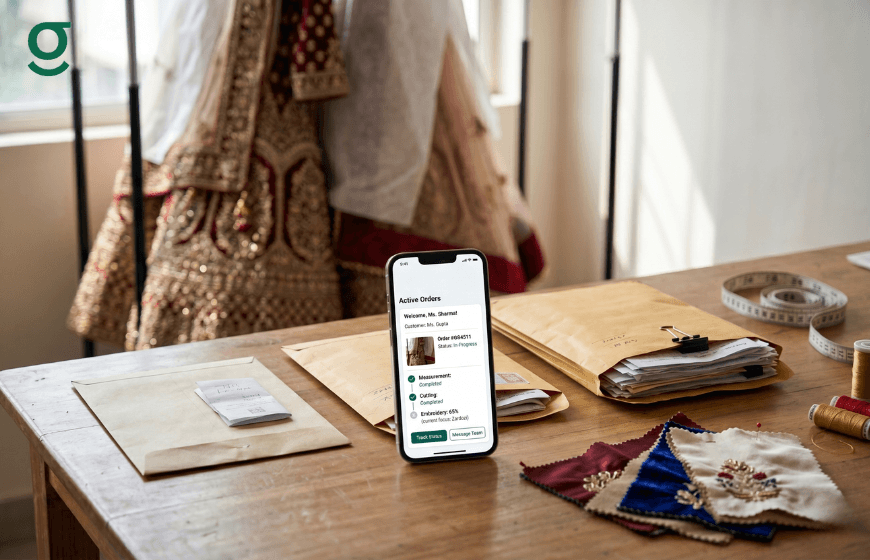
A bridal order at 60,000 rupees typically involves three payment moments: a significant advance at booking (often 50 percent), a progress payment mid-production when the embroidery returns and the final balance at delivery. GrowStitch tailoring software tracks all three as a connected payment record against the same order.
Every payment generates an automatic WhatsApp receipt to the customer showing the amount paid and the balance remaining. At the delivery appointment, the counter staff sees the exact balance due without needing to check a register or call the owner. For boutiques managing 15 to 20 simultaneous bridal orders during wedding season, the consolidated outstanding balance view in GrowStitch means the total bridal revenue outstanding is always visible in real time without any manual tallying.
Production Prioritisation During Wedding Season
The production floor during wedding season is under maximum load. The Masterji is managing multiple bridal sets, each at different stages. Without a clear production visibility layer, the risk of a garment stalling at one stage while another component waits is high. GrowStitch tailoring software provides the production dashboard that shows exactly where every component of every bridal order is at any moment.
When the owner opens GrowStitch during peak wedding season, she sees: how many bridal orders are in Embroidery Out stage, which orders are due for delivery this week, which orders have all components at Finishing and which specific order is most at risk based on its delivery date and current stage. This visibility enables proactive prioritisation rather than reactive firefighting.
For boutiques also handling a mix of regular orders alongside bridal, how tailoring software manages staff task assignments and allocates production capacity is the capability that determines whether the bridal orders get the priority they need without disrupting the regular order flow.
The Post-Wedding Season Review in GrowStitch Tailoring Software
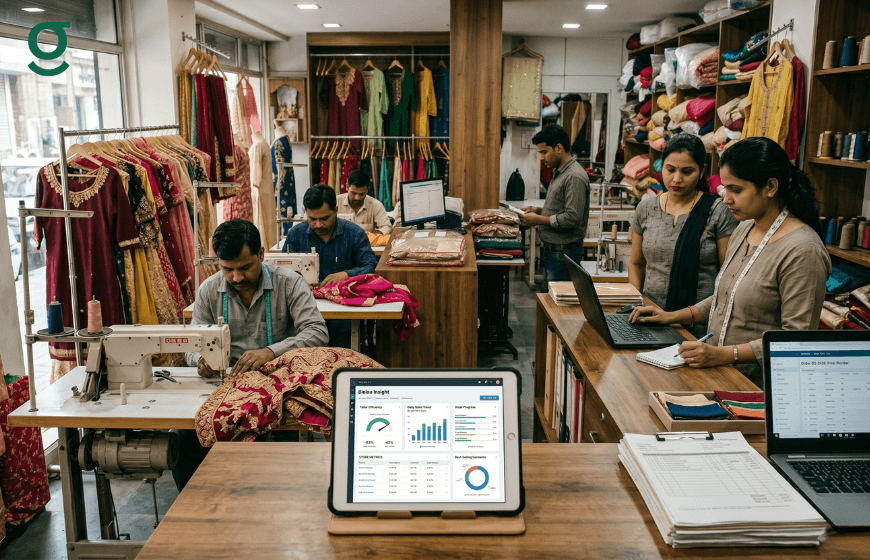
After wedding season ends, GrowStitch tailoring software provides the performance data that makes the next season better. How many bridal orders were delivered on time? What was the average order value for bridal versus non-bridal orders? Which production stage created the most delays? Which Karigar handled the most bridal components and what was the timeline accuracy?
This data, available automatically from the GrowStitch business insights dashboard, turns wedding season experience into a repeatable, improvable system rather than a once-per-year crisis managed through memory and instinct. Boutiques that use GrowStitch through a full wedding season come out with the data to set better targets, plan staff capacity more accurately and prepare production infrastructure more precisely for the following year.
Conclusion
Wedding season is when a boutique's operational systems are tested at full load. Tailoring software is not a nice-to-have for this period. It is the operational foundation that determines whether a boutique delivers every bridal garment on time, captures every add-on in the invoice, collects every rupee of the balance and retains the customer's trust for every future occasion wear order that follows.
GrowStitch tailoring software gives boutique owners the order management, production visibility, payment tracking and business intelligence to run wedding season like a Pro rather than improvising their way through it.
Run your boutique like a Pro. Download GrowStitch free: Download GrowStitch
FAQs: Tailoring Software for Wedding Season
1. How does tailoring software help manage bridal orders during wedding season?
GrowStitch tailoring software provides structured order creation that captures all bridal specifications in one digital record, custom production stages for complex multi-component garments, hard delivery deadline tracking with buffer time, add-on capture throughout the order lifecycle and multi-stage payment management with automatic WhatsApp receipts at every milestone.
2. Can GrowStitch tailoring software handle multiple simultaneous bridal orders?
Yes. GrowStitch is designed for high-volume operation. The production dashboard shows every active bridal order's current stage, delivery date and payment status simultaneously. The owner can identify at-risk orders, reassign production tasks and monitor the full bridal pipeline from one screen on a phone.
3. How does tailoring software track bridal add-ons across the order lifecycle?
GrowStitch allows add-ons to be added to an active order at any point from booking to delivery. Each addition is immediately reflected in the total, the outstanding balance and the customer's WhatsApp receipt. Nothing confirmed verbally during fittings or design reviews is left off the final bridal invoice.
4. How should I set delivery deadlines for bridal orders in GrowStitch?
Set the delivery date in GrowStitch three to five days before the actual wedding date. This buffer allows for any fitting adjustment after the initial delivery. GrowStitch flags orders that are falling behind their set delivery date, giving the owner time to intervene before the actual wedding date is at risk.
5. What data does GrowStitch tailoring software provide after wedding season?
GrowStitch generates automatic performance data after wedding season: on-time delivery rate, average order value for bridal versus non-bridal, production stage bottleneck analysis and team performance metrics. This data lets owners plan the following season with real intelligence rather than memory and guesswork.
6. How does GrowStitch help manage the payment cycle for high-value bridal orders?
GrowStitch records each payment milestone: advance at booking, progress payment mid-production and final balance at delivery. Each triggers an automatic WhatsApp receipt. The outstanding balance dashboard shows every bridal order's remaining amount in real time, so the owner always knows the total bridal revenue outstanding across all active orders simultaneously.