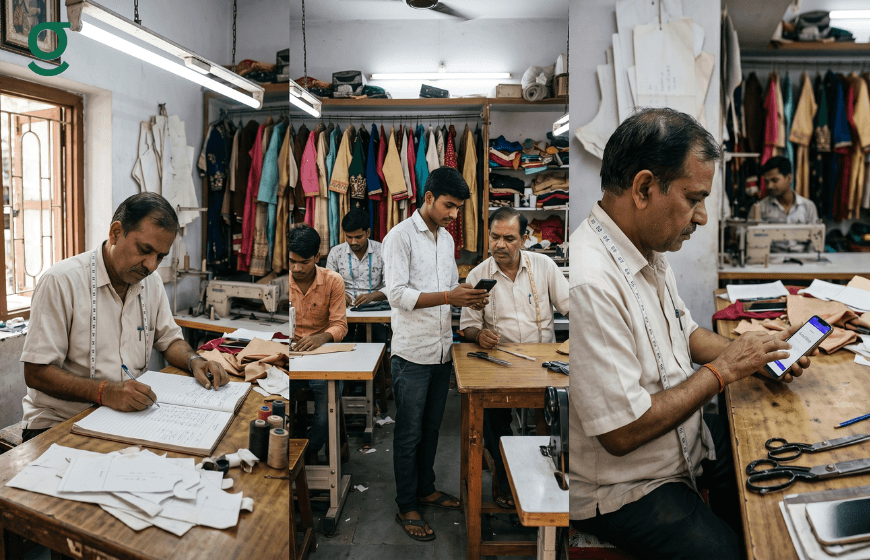
The biggest reason boutique owners delay moving to tailoring software is not cost or complexity. It is the Masterji. Specifically, it is the fear that the Masterji will not use it or will feel threatened by it. A Masterji who has spent 20 years running a workshop by instinct does not immediately welcome a screen between himself and his work.
Onboarding a Masterji onto tailoring software successfully takes seven days, not seven weeks, when the approach is role-specific, low-pressure and built around showing value on the first day. GrowStitch is designed with this reality in mind. The Masterji never needs to use the full platform. He uses one screen: the production dashboard.
This guide gives boutique owners a day-by-day onboarding plan that is practical and grounded in how experienced tailors actually learn.

Why Masterji Resistance Is a Workflow Problem Not a People Problem
When a Masterji resists tailoring software, the usual framing is that he is old-fashioned or technology-averse. This is unfair and unproductive. The Masterji is resisting because he has not been shown what is in it for him. If the first introduction is a full-feature walkthrough covering billing, analytics and staff management, of course it feels overwhelming. None of those functions are his job.
The correct starting point is the production dashboard and only the production dashboard. The Masterji needs to see two things: which orders are his and what stage each garment is at. That is it. Every other feature is the owner's concern. Technology elevates the Masterji's work rather than replacing it when the introduction is done correctly.
The second reason resistance happens is status anxiety. The Masterji is the most skilled person in the workshop. Showing him a tool the front-desk staff can already use creates a visible status inversion. The fix: show him the system first, before anyone else. His onboarding is treated as senior, not remedial.
What the Masterji Actually Needs to Use in Tailoring Software
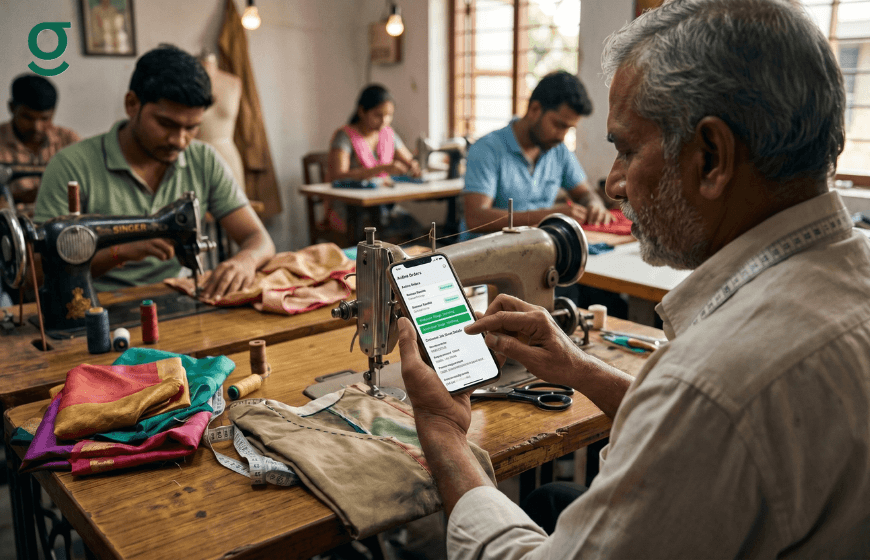
GrowStitch uses role-based access to limit what each team member sees and does. The Masterji's role covers exactly three actions. Role-based permissions in a tailor app make this separation possible.
View the order queue: see all active orders with delivery dates and garment details.
Update production stage: move an order from Cutting to Stitching, Stitching to Finishing and so on with a single tap.
Read the job sheet: access the customer's measurements, fabric details and design notes attached to each order.
That is the Masterji's entire interface. He does not see billing data, payment history or the analytics dashboard. This limited, purposeful view is what makes the onboarding non-threatening and quick to learn.
The 7-Day Onboarding Plan for Your Masterji and Workshop Team
This plan assumes the boutique is starting GrowStitch from scratch with no prior digital system. It covers the owner's setup, the Masterji's onboarding and the front-desk staff's first use of order entry and billing.
| Day | What to Do | Who Is Involved |
|---|---|---|
| Day 1 | Owner sets up the store: service pricing, fabric rates, garment types and staff accounts. | Owner only. |
| Day 2 | Masterji is shown the production dashboard: how to view active orders and move stage status. | Owner and Masterji together. |
| Day 3 | Front-desk staff is shown order entry and customer profile creation for new bookings. | Owner and front-desk staff. |
| Day 4 | First real orders are entered live. Masterji updates production stages on actual garments. | Full team, owner observes. |
| Day 5 | Review first 24 hours of live use. Address any stage-update confusion. Confirm measurement entry. | Owner reviews with each role separately. |
| Day 6 | Billing workflow goes live. First invoices generated and sent via WhatsApp. | Front-desk staff and owner. |
| Day 7 | Owner reviews full dashboard: order status, pending payments and production throughput. | Owner only. |
Day 1: Owner Setup. Before Anyone Else Touches the App
The owner completes the store setup independently on Day 1: service pricing, fabric rates, add-on services and staff accounts with the correct roles assigned. The Masterji's account is production-only. The front-desk account is order entry and billing only. No team member touches the app on Day 1. Walking into the Masterji's Day 2 session with a half-configured system undermines confidence. The store setup in a tailoring application is designed to take under two hours.
Day 2: The Masterji's First Session
A one-to-one session with one goal: show the Masterji how to tap an order and move its stage forward. Show the garment currently on the table, point to its stage on screen (Cutting), tap to move it to Stitching and show that the change is recorded with his name and time. Ask him to do the same for one other order. Twenty minutes maximum. Leave the app open in the workshop afterward. Most Masterjis look at it on their own within the hour.
Day 3: Front-Desk Staff Onboarding
The front-desk staff learns order entry, customer profile creation and measurement capture on tailoring software. The owner walks through one mock order: create the customer, enter the garment type, add measurements, set the trial and delivery date and confirm the advance received. The session takes 45 to 60 minutes. The goal by end of Day 3: the front-desk staff can create a new order without assistance. Daily task assignment and accountability through the app starts from day one.
Day 4: First Live Orders
Day 4 is the first day the team uses the app on real customers. The owner is present but does not intervene unless asked. Real orders are entered by the front-desk staff. The Masterji updates stages on actual garments. Billing is not activated yet: keeping Day 4 focused on order and production flow only reduces cognitive load. It is normal for Day 4 to feel slow as staff are self-conscious about using a new tool in front of customers. This passes by the second live day.
Day 5: Review and Calibrate
The owner reviews the previous 24 hours on the dashboard in 20 minutes. Are all orders entered? Are stages being updated? Are measurement fields being left blank? Each observation becomes a short individual conversation with the relevant staff member. Production stage tracking accuracy in the first week sets the team's long-term habit.
Day 6: Billing Goes Live
Once order entry and production tracking are running smoothly, billing is activated. The front-desk staff generates their first invoice through GrowStitch, which is sent via WhatsApp directly from the app. Because invoice data is pre-filled from the order, there is no manual entry involved. The owner reviews the first few invoices before they go out.
Day 7: Owner Dashboard Review
On Day 7 the owner sits with the full dashboard for the first time as an active system rather than a demo. The week's orders are visible. Production stage distribution shows which garments are where. Pending payments are listed. After seven days, the boutique is no longer dependent on the Masterji's memory or the owner's physical presence on the floor. Delegating tasks and monitoring performance through the platform becomes the new daily operating rhythm.
Handling Common Objections During Onboarding
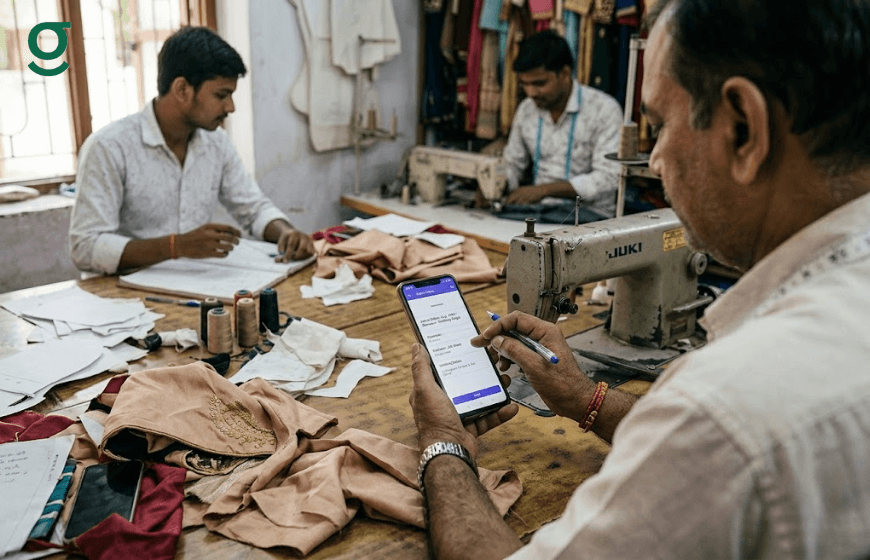
The Masterji says he is too busy to learn a new system
Do not schedule a formal training session. Use the 20-minute Day 2 approach: sit with him at the workshop, show him one action and leave. The app does the rest. A Masterji figures out the production dashboard on his own faster than any training session achieves.
The front-desk staff keeps making entry mistakes
Mistakes in the first week are normal. The habit to build is completeness, not speed. A blank measurement field is worse than a slow entry. Brief staff on Day 3 that incomplete orders cause production errors. Accuracy first, speed follows within two weeks.
The Masterji forgets to update stages
The owner checks the production dashboard each morning. Any garments without a stage update in 24 hours are immediately visible. A quick conversation re-establishes the habit. Updating stages is the single most impactful daily action the Masterji takes in the app, because it gives the owner the full production picture.
What Changes in the Boutique After 7 Days on Tailoring Software
By the end of the first week on GrowStitch tailoring software, four things will have changed. First, the owner no longer needs to physically walk to the workshop to know each order's stage. Second, the front-desk staff stops relying on the Masterji to confirm delivery dates. Third, customers receive automated WhatsApp updates when their order is ready without the front desk making a call. Fourth, billing at delivery is backed by a proper invoice rather than a handwritten bill. These four changes are visible to the owner, to the team and to the customer. That visibility converts initial compliance into genuine adoption. The Masterji stops thinking of the app as something the owner wants and starts seeing it as a tool that reduces interruptions to his work. The tailor app elevates the team's professionalism from day one.
Conclusion: Seven Days Is Enough If You Start Right
The boutiques that fail at tailoring software adoption do so in the first week by trying to teach everything at once. The boutiques that succeed teach one role one function on one day. By Day 7, the full system is live and the resistance that felt like an obstacle has dissolved. Download GrowStitch and start your 7-day team onboarding today.
Frequently Asked Questions
1. How long does it take to onboard a Masterji onto tailoring software?
In most boutiques, a Masterji is functionally onboarded onto tailoring software within two to three days when the introduction is limited to the production dashboard only. The 7-day plan in this guide covers the full team. The Masterji himself typically needs one 20-minute session and one day of independent use before the habit is established.
2. What if the Masterji refuses to use the app at all?
The most common reason for outright refusal is a misaligned introduction: showing the full platform instead of just the production screen. Go back to basics. Show him only the stage update function on a real garment he is currently working on. Let him tap the stage forward. Most resistance dissolves in under five minutes.
3. Does the Masterji need a smartphone to use GrowStitch?
Yes. Any mid-range Android smartphone is sufficient. GrowStitch is mobile-first and the Masterji's interface is the production dashboard: a simple list view requiring no complex navigation.
4. What role-based access should a Masterji have in tailoring software?
The Masterji's role in tailoring software should cover: view the order queue, update production stage status and read the job sheet with measurement and design details. He should not have access to billing, payment records or the analytics dashboard. GrowStitch's role-based access makes this separation easy to configure.
5. How do I get front-desk staff up to speed on order entry?
A single guided walkthrough covering new customer creation, order entry, measurement capture and advance payment recording is sufficient for Day 3. Do it with a mock order first, not a live customer. Staff confidence builds quickly once they complete one order end to end without an audience.
6. What is the biggest mistake boutique owners make when introducing tailoring software to their team?
Training everyone on everything at once. The fastest path to adoption is role-specific, single-function introduction. The Masterji learns production. The front desk learns order entry. Billing follows after both are stable. Sequential, role-specific training creates confidence. Parallel training creates confusion.
7. How does a tailoring application handle onboarding differently from generic software?
A tailoring application like GrowStitch is built around the specific roles in a boutique: owner, Masterji, front-desk and billing staff. The onboarding path follows these roles naturally. Generic software requires the boutique to adapt its workflow to the tool. A tailoring application is already adapted to the boutique.