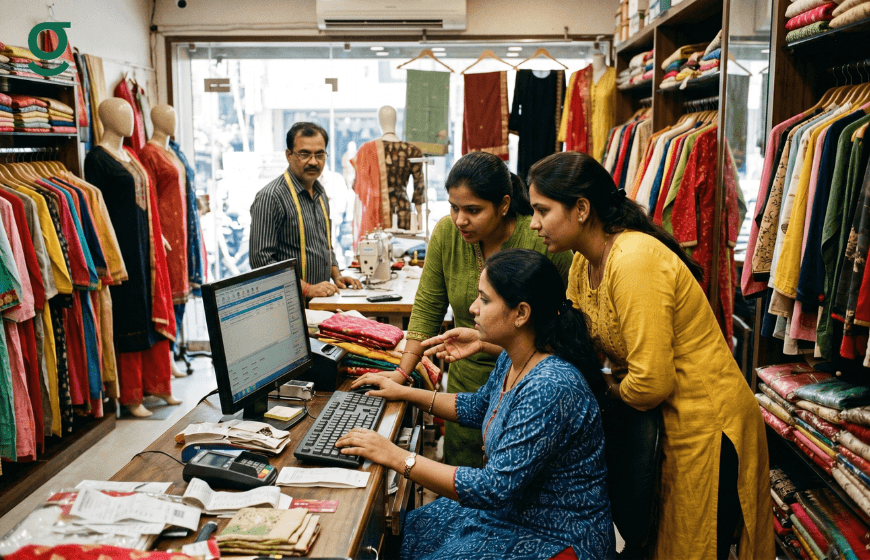
Role-based permissions in a tailor app allow you to control exactly what each team member can see and do in the platform. Counter staff can create orders and record payments. The Masterji can view Job Sheets and update production stages. The store manager can access business targets and order reports. The owner has full visibility across everything. Nobody sees more than their role requires.
GrowStitch is a tailor app that provides a structured role-based permission system built around the real team structure of an Indian boutique. For boutiques currently managing team access through shared phones and WhatsApp groups, understanding how a dedicated tailor app handles staff and access explains the full scope of what changes when you move to a structured digital system.

Why Role-Based Permissions Matter in a Boutique Tailor App
A boutique has sensitive data of two kinds: customer data and business performance data. Customer measurements, contact details and order histories are private client records. Monthly revenue, average order value, market ranking and total outstanding balances are confidential business metrics. In a boutique where all of this information lives in a shared physical register or a single WhatsApp group, there is no control over who sees what.
When a staff member leaves a boutique that manages data through a shared phone or physical register, they take institutional knowledge about customers and business performance with them. A tailor app with role-based permissions changes this fundamentally. Securely managing teams via a boutique management system ensures that sensitive data stays within the business and that access can be revoked the moment a team member leaves.
Why Most Boutiques Currently Operate Without Staff Access Controls

In a typical boutique that has not yet adopted a tailor app, all operational data lives in shared spaces: a physical register that any team member can read, a WhatsApp group where every order update is visible to everyone and a phone that multiple staff members use without individual logins. There are no access boundaries because there is no system that can enforce them.
This shared data environment creates three specific risks. First, any team member can see business performance data including revenue, outstanding balances and customer spending history that should be visible only to the owner. Second, when a staff member leaves, they take their knowledge of the boutique's customers and business position with them. Third, there is no audit trail showing who accessed what data or when, making accountability impossible.
A tailor app with role-based permissions like GrowStitch addresses all three risks simultaneously. Access boundaries are enforced by the system, not by trust alone. Departing team members lose access immediately. Every login is logged and the admin can see who accessed the tailor app, from which device and at what time. This is the operational security baseline that any professional boutique should have.
The 3 Permission Levels in GrowStitch Tailor App
Staff Role
A staff member in GrowStitch's tailor app can create orders, record customer measurements, take payments and update order statuses for the tasks assigned to them. They cannot see the business revenue dashboard, overall outstanding balances across all orders or store configuration settings. Their view is scoped to the daily operational work they are responsible for.
This is the appropriate access level for counter staff who handle customer interactions and order creation but should not have visibility into the boutique's financial performance or the ability to modify store-level settings that affect the entire business.
Store Manager Role
A store manager in GrowStitch tailor app can access order management, customer profiles and specific store targets. They have more visibility than a regular staff member but cannot access the full business intelligence dashboard or multi-store management features that are reserved for the admin. This level works well for a senior counter staff member or a trusted deputy who handles daily operations in the owner's absence.
Admin Role
The admin in GrowStitch has full visibility and full control. Revenue dashboards, business insights, market ranking, multi-store management, team member configuration and all store settings are accessible. Only the admin can add new team members to the tailor app, assign or modify their roles and revoke access. The admin access level is designed for the boutique owner.
How to Set Up Role-Based Permissions in GrowStitch Tailor App
Setting up staff permissions in GrowStitch is straightforward. The admin opens the team management section, adds the team member by their phone number and assigns the appropriate role: Staff or Store Manager. The team member receives an invitation to join the tailor app and is immediately restricted to the permissions associated with their role. The complete guide to assigning tasks and managing team accountability in GrowStitch covers the daily team management workflow in full detail.
Permissions take effect immediately. There is no delay between assigning a role and the team member seeing their restricted view. If a staff member's responsibilities change, the admin can update their role in the same team management section at any time.
What Happens When a Staff Member Leaves
When a team member leaves the boutique, the admin goes to the team management section of the GrowStitch tailor app and removes their access. From that moment, the departing staff member can no longer view any customer data, order records or business information in the platform. The boutique's data remains entirely within the GrowStitch system and is not accessible from any device the former team member might still have.
This is the most critical moment where a tailor app with role-based permissions provides protection that a manual system cannot. A departing staff member who had access to a physical register or a shared WhatsApp group leaves with everything they saw. A departing staff member in GrowStitch loses access the moment the admin clicks remove. Client measurement records, customer contact details and business performance data stay exactly where they belong: in the boutique's account.
Multi-Store Management With Role-Based Permissions
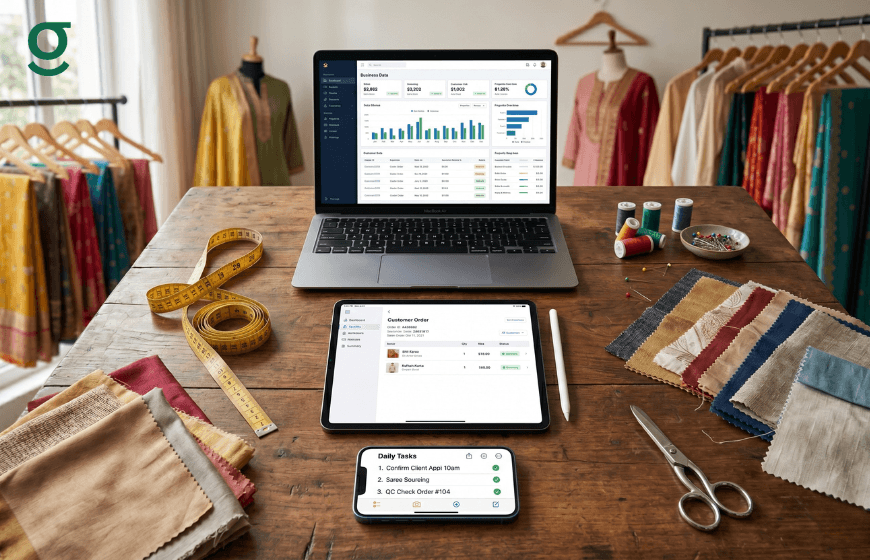
For boutiques that operate across multiple locations, GrowStitch's tailor app extends the role-based permission system across stores. The admin account has visibility across all locations from a single login. Branch managers see only their assigned location's data. Counter staff at each branch are scoped to their own store. Managing multi-branch boutique operations with GrowStitch's permission structure gives the owner complete oversight without giving every team member access to every location's data.
This multi-store capability is what allows a boutique chain to scale confidently. Adding a new location does not mean adding risk to data security. Each location operates with its own team access, its own order data and its own performance metrics, all visible to the admin from one dashboard.
Conclusion
Role-based permissions in a tailor app are not a complexity feature for large operations. They are a basic requirement for any boutique with more than one person accessing the platform. GrowStitch provides a clean, three-level permission structure that gives every team member exactly the access their role requires and protects the data that is most sensitive to the business.
A boutique that manages team access through shared phones and physical registers is operating without the data security boundaries that a professional business requires. GrowStitch's tailor app provides those boundaries from the first team member you add.
Run your boutique like a Pro. Download GrowStitch free: Download GrowStitch
FAQs
1. What are role-based permissions in a tailor app?
Role-based permissions control what each team member can see and do in the tailor app. In GrowStitch, the Staff role allows order creation and payment recording. The Store Manager role adds access to targets and reports. The Admin role provides full visibility and control. Each team member sees only what their role requires.
2. Why does a boutique need role-based permissions in a tailor app?
Role-based permissions protect two categories of sensitive data: customer records including measurements and contact details, and business performance data including revenue, margins and market ranking. Without permissions, all team members see everything. GrowStitch's tailor app ensures each person's access is appropriate to their role and responsibility.
3. Can I restrict a staff member from seeing revenue data in GrowStitch?
Yes. The Staff role in GrowStitch's tailor app restricts access to the revenue dashboard, total outstanding balances and business intelligence features. Staff members see only the daily operational work relevant to their tasks: order creation, customer measurements and payment recording. Financial data remains visible only to the Store Manager and Admin roles.
4. What happens to data access when a staff member leaves?
The admin removes the departing team member from the tailor app through the team management section. Access is revoked immediately. The former team member can no longer see any customer data, order records or business information in GrowStitch from any device. Client data and business intelligence remain entirely within the boutique's account.
5. Can GrowStitch tailor app manage multiple stores with different permission levels?
Yes. The admin account in GrowStitch has visibility across all locations from a single login. Branch managers and counter staff are scoped to their assigned location. This multi-store permission structure allows boutique chains to scale without compromising data security or giving every team member access to every location's business data.
6. How does GrowStitch tailoring software protect customer measurement data?
All customer measurements, fitting notes and order histories in GrowStitch are stored in the cloud within the boutique's account. Only authorised team members at the appropriate role level can access customer profiles. Data is not stored on individual devices and cannot be accessed by team members after their access is revoked.