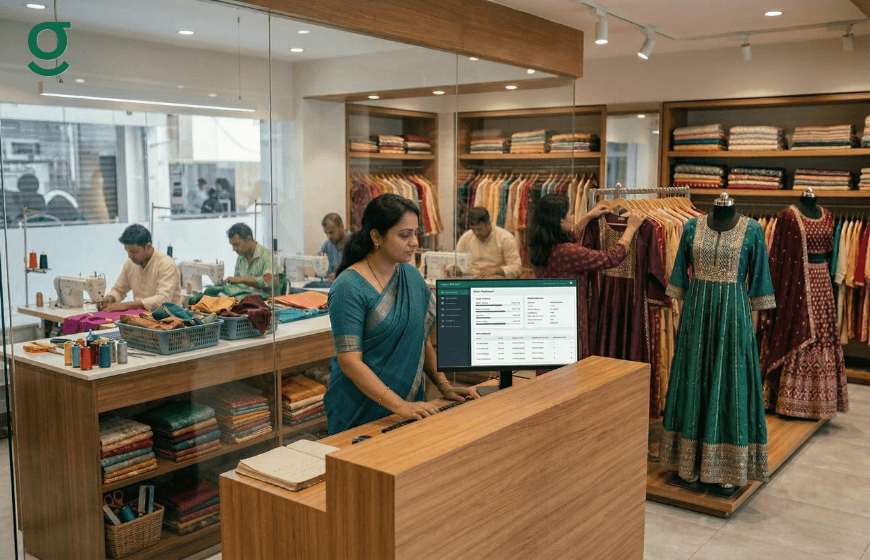
How does a modern boutique management system improve team coordination while ensuring secure access to sensitive business information?
A boutique management system enhances coordination by centralizing all order and production data in a secure digital environment. It uses role-based access controls to ensure staff only see information relevant to their tasks, protecting financial data and client measurements. This replaces vulnerable manual diaries with encrypted records, providing owners with total operational clarity and security.
Managing a tailoring business in India requires more than just creative design; it requires organizing a team securely and efficiently. For many boutique owners, the transition from a small home-run setup to a professional studio brings significant challenges. Relying on memory, loose papers, or manual diaries to manage staff responsibilities often leads to miscommunication, lost measurements and data leaks. By transitioning to a modern boutique management system like GrowStitch, owners gain complete operational clarity. This structured approach ensures that team members only access what they need, protecting sensitive business information while maintaining smooth daily operations.

How Do You Set Staff Permissions in a Boutique Management system?
A boutique management system allows you to securely add and manage your team by setting strict role-based access. This ensures that while your team has the information needed to stitch a perfect blouse or lehenga, they do not have unnecessary access to your overall business targets or financial statements.
- Unlimited Scaling: There is no limit to the number of team members you can add to the platform as your business grows.
- Multi-Store Control: A single admin login can be used to securely manage multiple stores or locations, keeping data siloed yet accessible to the owner.
- Restricted Visibility: Staff permissions traditionally allow for creating orders and viewing daily tasks but sensitive reports and store-wide settings are hidden from non-admin users.
Why is Boutique Software Safer Than Manual Record Books?
Instead of relying on vulnerable physical books that can be carried out of the shop, digital platforms utilize secure device management. GrowStitch provides an inventory management app environment where data is backed up and access is monitored.
- Login Transparency: The admin has complete visibility over where and when logins are occurring across the entire team.
- Activity Tracking: The system tracks exactly when the application was last accessed by any team member, ensuring accountability.
- Remote Security: If a security concern arises or a phone is lost, the admin has the control to log out all known devices instantly from the settings menu.
- Data Privacy: The application includes clear privacy policies and terms of use to protect both your customer data and your unique business workflows.
How Do Role Assignments Secure Multi-Designer Teams?
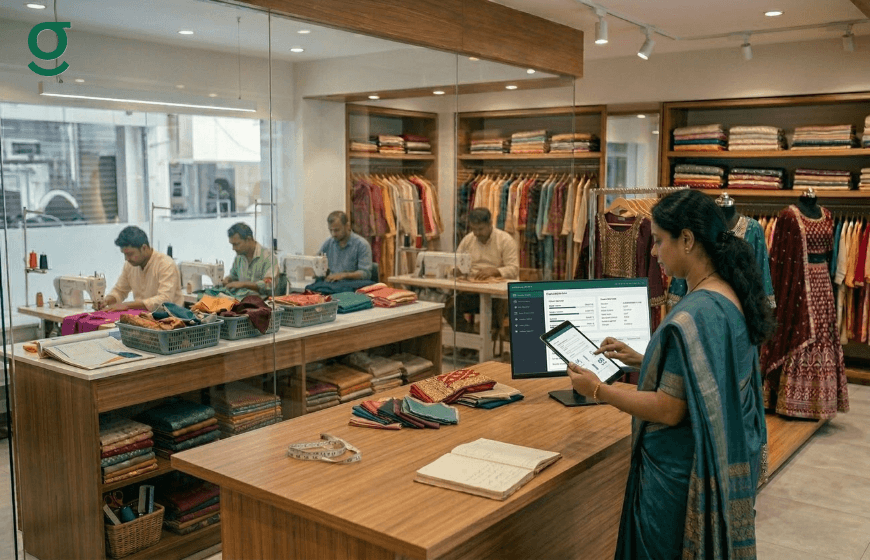
Role assignments secure multi-designer teams by ensuring that each member only has access to the tools and data relevant to their specific job function. By utilizing a professional boutique management system, owners can separate high-level store configuration from daily order processing.
When you have multiple designers or masters working under one roof, overlap can cause confusion.
- Store Manager Role: A user assigned this role can manage catalog details, update measurement profiles and view specific store targets.
- Staff Role: Staff members can be restricted from viewing all orders or sensitive financial transactions, focusing purely on order creation and status updates.
- Instant Access Revocation: If a team member leaves the business, their access can be removed immediately by the admin, preventing them from taking digital records with them.
This structured role assignment reduces the business's dependency on any single key person, allowing the owner to maintain control even when they are not physically present at the studio.
How Can You Keep Client Measurements Private and Prevent Data Leaks?
You can keep client measurements private by centralizing all customer data within a secure boutique management system rather than scattering it across staff members' personal WhatsApp accounts. By keeping a complete, digital history of every customer within GrowStitch, the application ensures that sensitive personal preferences remain strictly within the business's control.
- Centralized Measurement Vault: The platform securely maintains detailed measurement records and fitting notes for every client, accessible only through the app.
- Service History: It keeps a complete service history, including past orders and custom preferences, which helps in providing a personalized experience without compromising privacy.
- Prevention of Data Loss: Storing this data centrally prevents staff from needing to keep personal copies of client measurements on their own devices, which is the most common source of data leaks in the tailoring industry.
- Integrated Communication: The owner can initiate a new order or call a customer directly from the integrated, secure contact list without exposing the full database to external apps.
How Can Owners Monitor Team Activity Without Micromanaging?
Owners can monitor team activity without micromanaging by using the internal Production Insight feature to track the real-time movement of orders across different departments. A digital inventory management app tracks actual production workflow stages rather than requiring owners to constantly interrupt their staff for updates.
- Stage Tracking: The system tracks specific production stages such as cutting, stitching and finishing. As a tailor moves a garment from 'stitching' to 'QC', the dashboard updates automatically.
- Bottleneck Identification: Owners can easily identify where work is slowing down. If ten blouses are stuck in 'hemming', the owner knows exactly where to allocate more help.
- Operational Clarity: Dashboards highlight pending orders and deliveries at risk, providing real-time visibility into the shop floor's efficiency.
How Does Setting Store Targets Align Your Team's Focus?
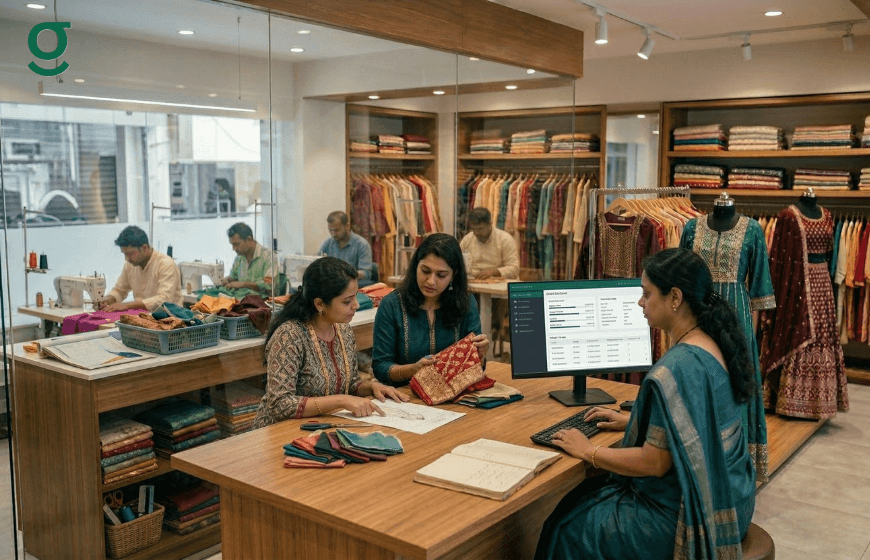
Setting store targets aligns your team's focus by giving them a clear, quantifiable goal to strive for each month. A modern boutique management system makes these goals visible directly on the dashboard, transforming abstract expectations into concrete daily targets.
- Goal Setting: Upon logging in, the initial step for an admin is to establish a "set store target" for the business.
- Performance Visualization: The dashboard dynamically displays current month sales alongside the target set, showing the percentage achieved.
- Metric Tracking: It calculates and tracks the average order value (AOV) continuously, helping the team understand if they are selling premium services effectively.
- Alignment: Business Insights allow users to view sales data for today, yesterday, or the last 7 days to keep the entire team aligned on revenue goals and daily productivity.
Conclusion
Managing a boutique requires a careful balance of creativity and operational control. By implementing a boutique management system like GrowStitch, business owners can step away from chaotic manual processes and securely manage their expanding teams. From setting strict role-based permissions and restricting transaction visibility to tracking real-time production stages without micromanaging, digital tools ensure that your business data remains highly protected. Operating with this level of security and structure allows fashion businesses to grow confidently while maintaining complete owner control.
And if you move now, the first 1,000 users get exclusive early-bird access, download the app today and stay ahead while others struggle to catch up
Frequently Asked Questions
Who can add new staff members to the GrowStitch application?
Only the admin has permission to add new team members to the GrowStitch system, ensuring that access is always controlled by the owner.
Can I restrict my staff from seeing financial transactions?
Yes. Access controls within GrowStitch allow you to limit staff visibility, preventing them from viewing sensitive financial data or store-wide revenue reports.
How do I manage access in a Boutique Management System if an employee leaves?
The admin can instantly remove a team member's access from the settings menu. With GrowStitch, your client measurements and business information remain secure at all times..
Can I manage multiple stores with this Boutique Management System?
Yes. One admin login in GrowStitch can oversee and manage multiple store locations from a single dashboard, providing a bird's-eye view of your entire business.
Is it possible to see when my team logs in using GrowStitch?
Yes. The admin can monitor login activity, including last login times, and has the authority within GrowStitch to remotely log out all active devices for added security.