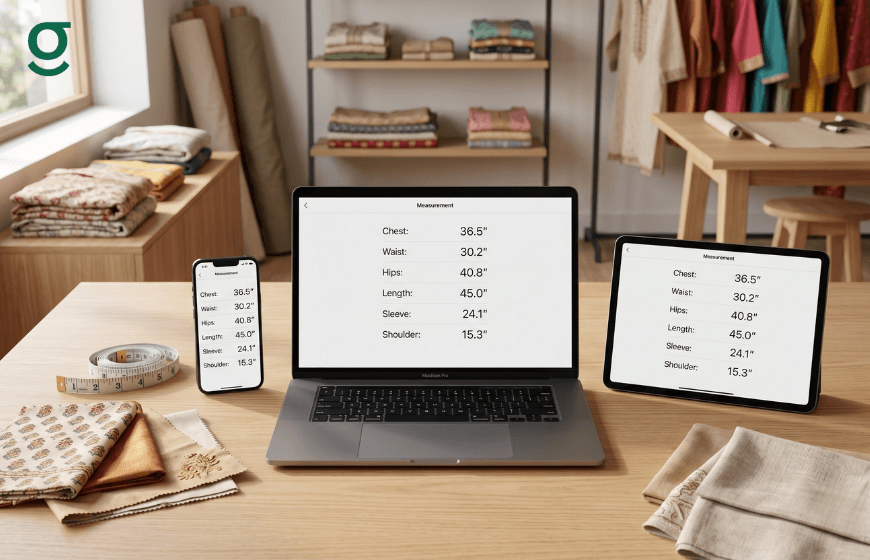
How does a tailor app synchronize production teams?
In a professional tailoring setup, production is a relay race. The measurement data is the baton passed from the boutique manager to the master cutter, and finally to the karigar (stitcher). If this data is unsynchronized living in different diaries, WhatsApp chats, or memory the baton gets dropped, leading to fitting errors and delays. A tailor measurement app like GrowStitch acts as the central synchronization layer, ensuring that every team member, regardless of their location or role, works from the exact same real-time dataset.

Eliminating the Chaos of Unsynchronized Data with GrowStitch
In a traditional manual workflow, data is often trapped in silos. The person taking the measurements has the book, the master cutter has a scribbled chit, and the stitcher works off verbal instructions. This lack of synchronization creates multiple points of failure.
- Version Control Issues: If a customer calls to change a sleeve length, the manager might update the diary, but the master cutter's chit remains unchanged.
- Location Disconnect: If the stitching unit is separate from the boutique, physical measurement books must be transported back and forth, risking loss and causing delays.
- Dependency Bottlenecks: Staff often have to wait for the "book keeper" to arrive to check a simple dimension.
GrowStitch functions as cloud-based boutique management software that centralizes this data. When a measurement is updated on the front-desk tablet, it is instantly visible on the master's phone in the workshop. This real-time sync eliminates "version conflicts" and ensures the entire production line moves in harmony.
Standardizing Measurement Intake with Digital Templates
Synchronization is impossible if the data itself is inconsistent. A common issue in growing teams is that different staff members take measurements differently. One might measure length from the shoulder, another from the neck.
GrowStitch standardizes this intake process through the tailor measurement app.
- Admin-Controlled Templates: The business owner (Admin) defines the "Standard Operating Procedure" for measurements. They configure the specific fields (e.g., Chest, Waist, Hip, Armhole) required for each garment type.
- Guided Entry: When staff members create an order, the app guides them through these mandatory fields. They cannot save an order with incomplete data, forcing a standardized approach.
- Unified Terminology: By using preset labels, the app ensures that everyone uses the same terminology, removing the confusion caused by local slang or shorthand (e.g., writing "L" for both Length and Loose).
Sharing Data Instantly via Digital Job Sheets
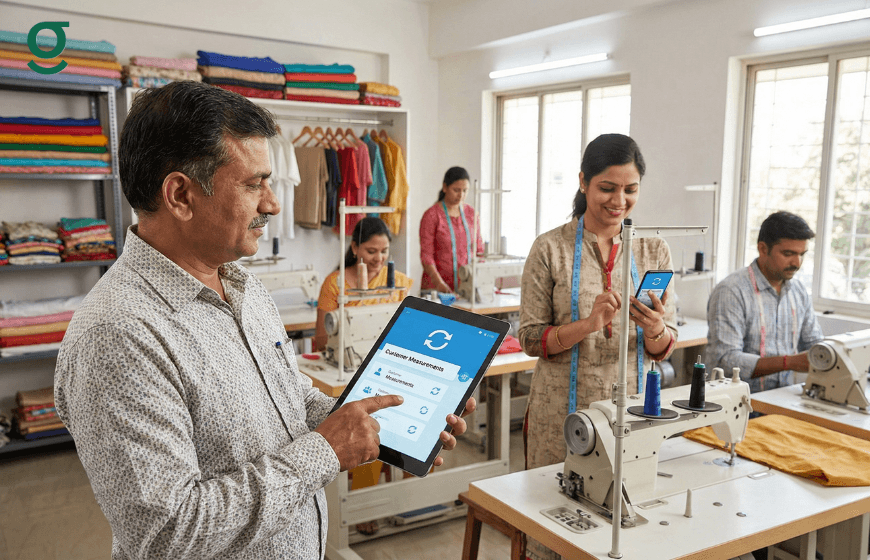
Once measurements are taken and standardized, they must be communicated to the production team. Manual transcriptioncopying numbers from a book to a job cardis where 90% of errors occur.
GrowStitch automates this transfer using Digital Job Sheets.
- Instant Generation: Upon order confirmation, the tailor measurement app automatically generates a Job Sheet containing the customer's profile, standardized measurements, garment style, and deadline.
- Multimedia Integration: Unlike paper cards, these digital sheets include voice notes (for complex instructions) and reference images (for design visualization), ensuring the master has the full context.
- Seamless Distribution: These Job Sheets can be shared instantly via WhatsApp or accessed directly within the app by the production team. This ensures that the stitcher is looking at the original, verified data, not a second-hand copy.
Managing Team Access and Roles in GrowStitch
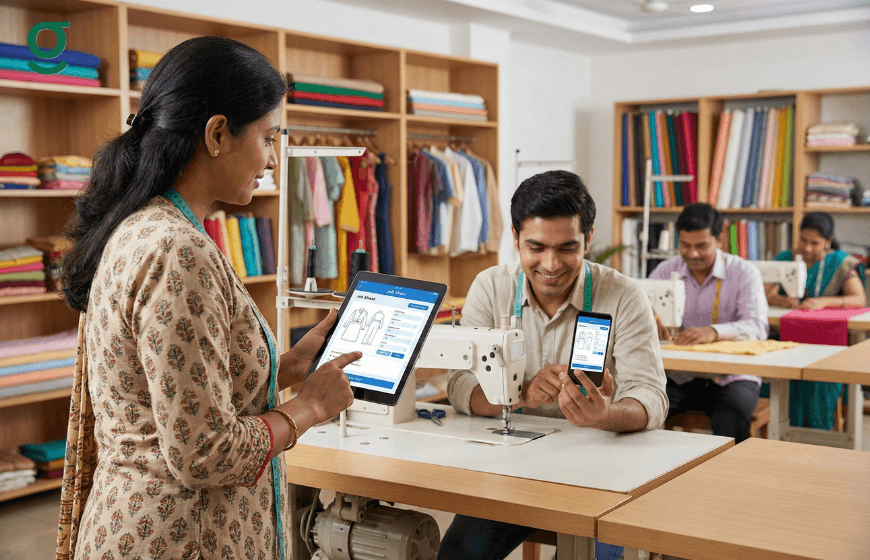
While synchronization is vital, data security is equally important. Not every staff member needs access to the entire business database. GrowStitch allows owners to manage who sees what through role-based permissions.
- Role Definition: The app supports distinct roles such as "Admin," "Store Manager," and "Staff."
- Admin: Has full access to all data, including revenue, expenses, and settings.
- Store Manager: Can manage catalogs and targets but may be restricted from seeing total business profit.
- Staff: Restricted to operational tasks like creating orders, taking measurements, and viewing production status.
- Secure Scaling: As the team grows, new members can be onboarded with limited access. They can contribute to the workflow (e.g., updating a status to "Stitched") without compromising the security of the customer database.
- Access Revocation: If a team member leaves, the Admin can instantly revoke their access, protecting the business's proprietary measurement data and customer contact lists.
Conclusion
Synchronizing a team requires more than just good communication; it requires a single source of truth. GrowStitch provides this by transforming scattered manual records into a unified digital ecosystem. By using a tailor measurement app to standardize intake, share digital job sheets, and manage secure access, boutique owners can ensure that their sales and production teams operate as a single, efficient unit, delivering consistent quality with every stitch.
And if you move now, the first 1,000 users get exclusive early-bird access, download the app today and stay ahead while others struggle to catch up
Frequently Asked Questions
Can multiple staff members use the app at the same time?
Yes. The GrowStitch Tailor Measurement App is cloud-based, allowing multiple users to log in from different devices simultaneously, with real-time data updates for everyone**.**
How do I ensure my staff follows the correct measurement method?
With the GrowStitch Tailor Measurement App, you can configure measurement templates in the settings. This ensures staff must complete the specific fields you define, maintaining consistency across all orders**.**
Can the master cutter see the measurements without coming to the counter?
Yes. Using GrowStitch, you can share the Digital Job Sheet via WhatsApp, or the master cutter can directly view order details through the Tailor Measurement App on their own device.
Is it safe to give my staff access to the app?
Yes. GrowStitch includes role-based access control within the Tailor Measurement App, allowing you to assign staff roles that provide operational access while keeping sensitive business data restricted.
What happens if I update a measurement after the order is placed?
When a measurement is updated in the GrowStitch Tailor Measurement App, the record updates instantly. The production team should be informed, but the digital file will always show the latest version.
Can I track who created an order?
Yes. GrowStitch tracks order activity inside the Tailor Measurement App, allowing you to see which staff member created the order and recorded the measurements**.**